4K streaming is video delivered at 3840 x 2160 pixels — four times the resolution of 1080p HD — typically paired with HDR (high dynamic range) for better contrast and color. Whether you need it comes down to four things: a 4K TV of roughly 50 inches or larger, a seating distance close enough to see the difference, a subscription tier that includes 4K, and a connection of at least 15-25 Mbps sustained. For many households, HD plus HDR looks close enough that 4K is a preference, not a requirement. Details below are current as of January 2026.
What Does 4K Actually Mean on a Streaming Service?
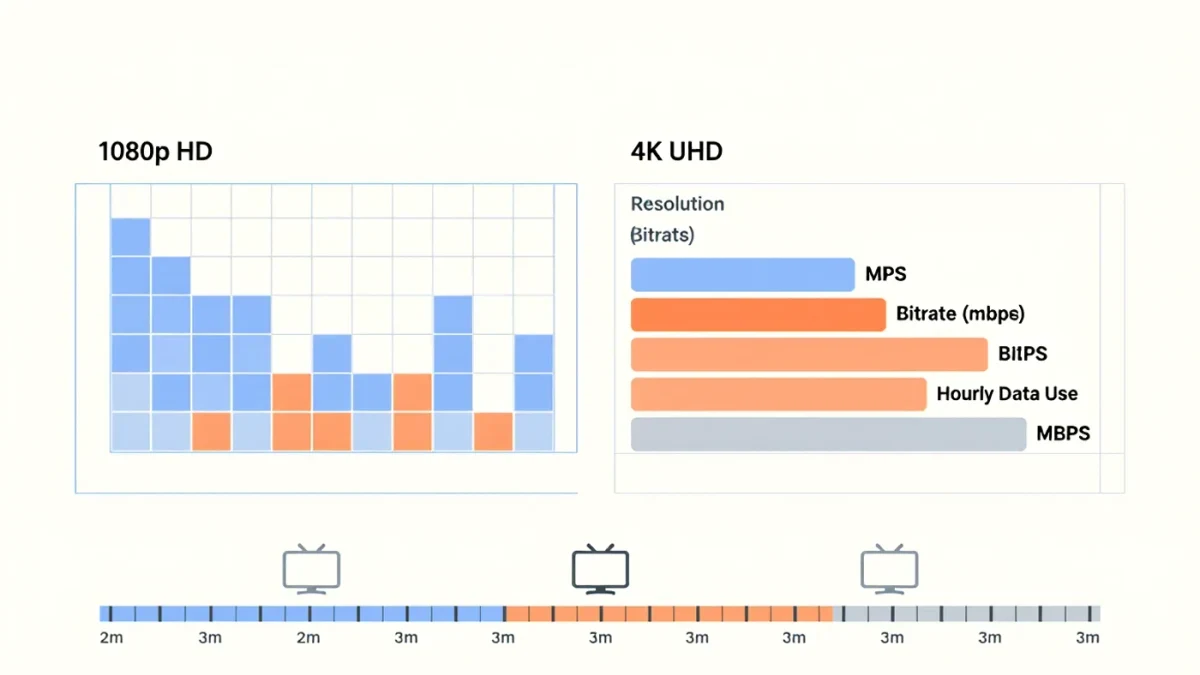
The "4K" label on a platform refers to resolution: about 8.3 million pixels per frame versus about 2 million for 1080p. In practice, streaming services deliver it in the UHD container with HDR formats layered on top — HDR10, HDR10+, Dolby Vision — which control brightness range and color depth. Reviewers and engineers widely note that HDR often contributes more visible improvement than the extra pixels themselves; a 1080p stream with Dolby Vision can look better than a flat 4K one.
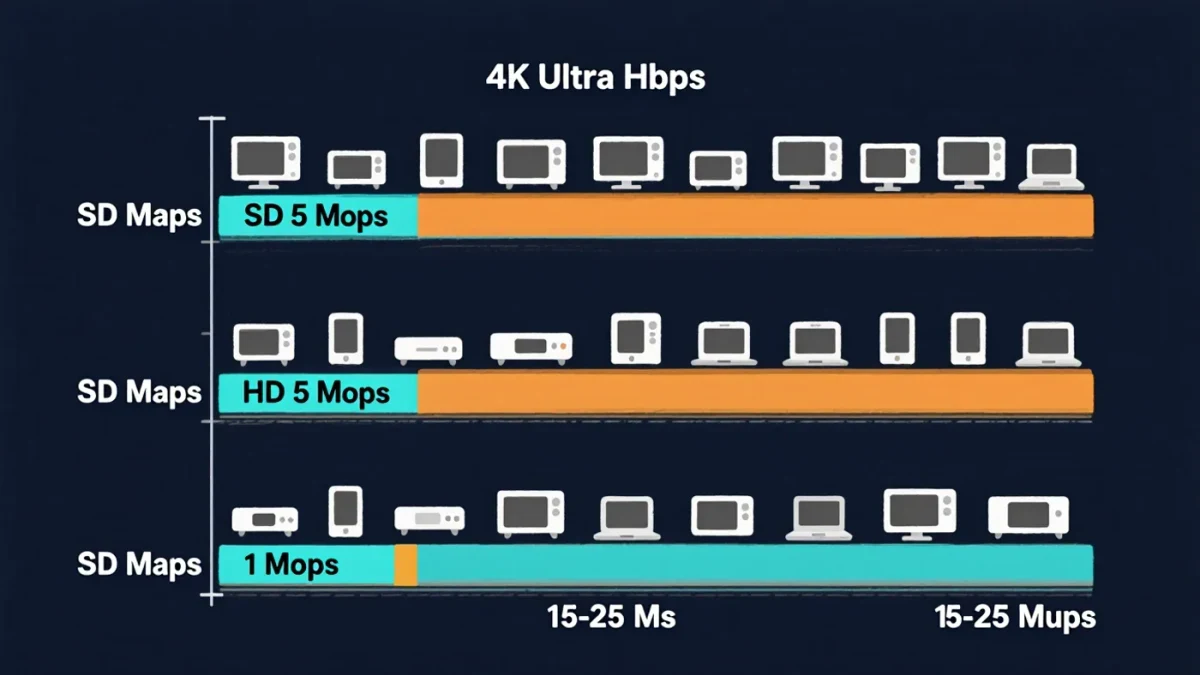
Resolution is only half the story. Bitrate — how much data per second the stream uses — determines how clean the picture stays during motion. Major services stream 4K at roughly 8 to 25 Mbps depending on the title and congestion, with per-title encoding letting quiet dramas use less than action films.
Which Streaming Plans Include 4K?
Across major U.S. services as of January 2026, 4K generally sits on the pricier or ad-free tiers. Netflix gates 4K (and Dolby Vision) to its premium plan; Disney+ includes 4K on supported tiers; Max offers 4K on its ultimate tier; Apple TV+ includes 4K with Dolby Vision on its single plan; Amazon's Prime Video includes 4K on the included tier. Some services also limit how many devices can stream 4K at once, and ad-supported tiers have historically capped some streams at 1080p. Prices and tier structures change frequently — verify on the platform's own plan page before upgrading, as availability dated January 2026 is subject to change.
How Fast Does Your Internet Need to Be?
Netflix, the most-cited reference point, recommends 15 Mbps for a stable 4K stream; other services and TV manufacturers commonly suggest 25 Mbps to absorb fluctuations. What matters is sustained speed at the TV, not the peak your provider advertises — Wi-Fi congestion, older routers, and household traffic all eat into it. Wired Ethernet or modern Wi-Fi 5/6 mesh to the living room is the reliable path. 4K also carries a data cost: roughly 7 GB per hour on Netflix's premium tier, which matters on metered or capped connections.
Can You Even See the Difference?
Viewing distance is the honest arbiter. On a 55-inch TV at 10+ feet, most viewers struggle to distinguish 4K from 1080p; at 6-8 feet, the difference becomes visible in fine detail and text. Screen size raises the stakes: on 65-inch and larger panels, or with a projector, 4K is more clearly worth having. Content matters too — films shot and mastered at 4K or on 35mm film benefit more than older upscaled television. BBC and other broadcaster engineering reports on UHD adoption have consistently found that HDR impresses viewers more than resolution alone in side-by-side testing.
4K Streaming vs. 4K Blu-ray: What Is the Difference?
Physical 4K UHD discs carry bitrates up to over 100 Mbps, several times what streaming uses, plus lossless audio. Streaming closes the gap with good encoding, and for most viewing it is close enough — but on large screens, enthusiasts consistently report that discs hold finer grain and steadier motion. If a film's texture matters to you, the disc remains the reference; if convenience matters, streaming 4K delivers most of the experience.
What Is Upscaling, and Does It Count as 4K?
Most of what plays on a 4K TV is not native 4K. Older television, pre-2010s films finished in 2K, and many streaming catalogs default to HD sources, all stretched to fill your panel by upscaling — interpolation that invents the missing pixels. Good modern TVs upscale well, which is why HD content still looks respectable on 4K sets, but upscaling adds no new detail; a 1080p stream upscaled is not the same product as a native 2160p stream.
The label to look for is what the service itself lists for each title. Platforms mark their 4K and HDR availability on the title's detail page, and badges like Dolby Vision or HDR10 appear next to the resolution. Two practical cautions: playback settings buried in each app can silently cap quality — Netflix's higher data setting, for example, must be enabled to receive 4K at all — and some live sports and broadcasts labeled UHD are delivered at lower frame rates or in hybrid HDR that varies by event.
The reverse also happens: a native 4K stream of a film that was finished in 2K is an upscale at the source, mastered by the studio. That is common for older catalog titles reformatted for 4K release. It can still look better than the HD version thanks to the newer master and HDR grade — but the resolution claim on the box is doing less work than it appears to.
So, Do You Need 4K Streaming?
- Yes, comfortably, if: your TV is 60 inches or larger, you sit within about 8 feet, your plan already includes 4K, and your connection holds 25 Mbps.
- Probably not, if: your TV is 43 inches or smaller, you sit far away, or your tier would cost extra mainly for resolution you won't perceive — spend on HDR and sound instead.
- Either way: check that the title itself is offered in 4K on your service; catalogs mix resolutions, and playback settings often default to "Auto."
One settings note that solves half of all complaints: on most TVs and streaming sticks, enable the full HDMI bandwidth mode, confirm the app is set to the highest quality, and let "Auto" adjust rather than forcing a fixed resolution on a variable connection.